 Flip Assistant
How to scan QR codes on a flip phone
Menus, parking meters, event tickets, forms at the vet. QR codes replaced printed information in a few years, and they assume you have a smartphone camera that knows what to do with them.
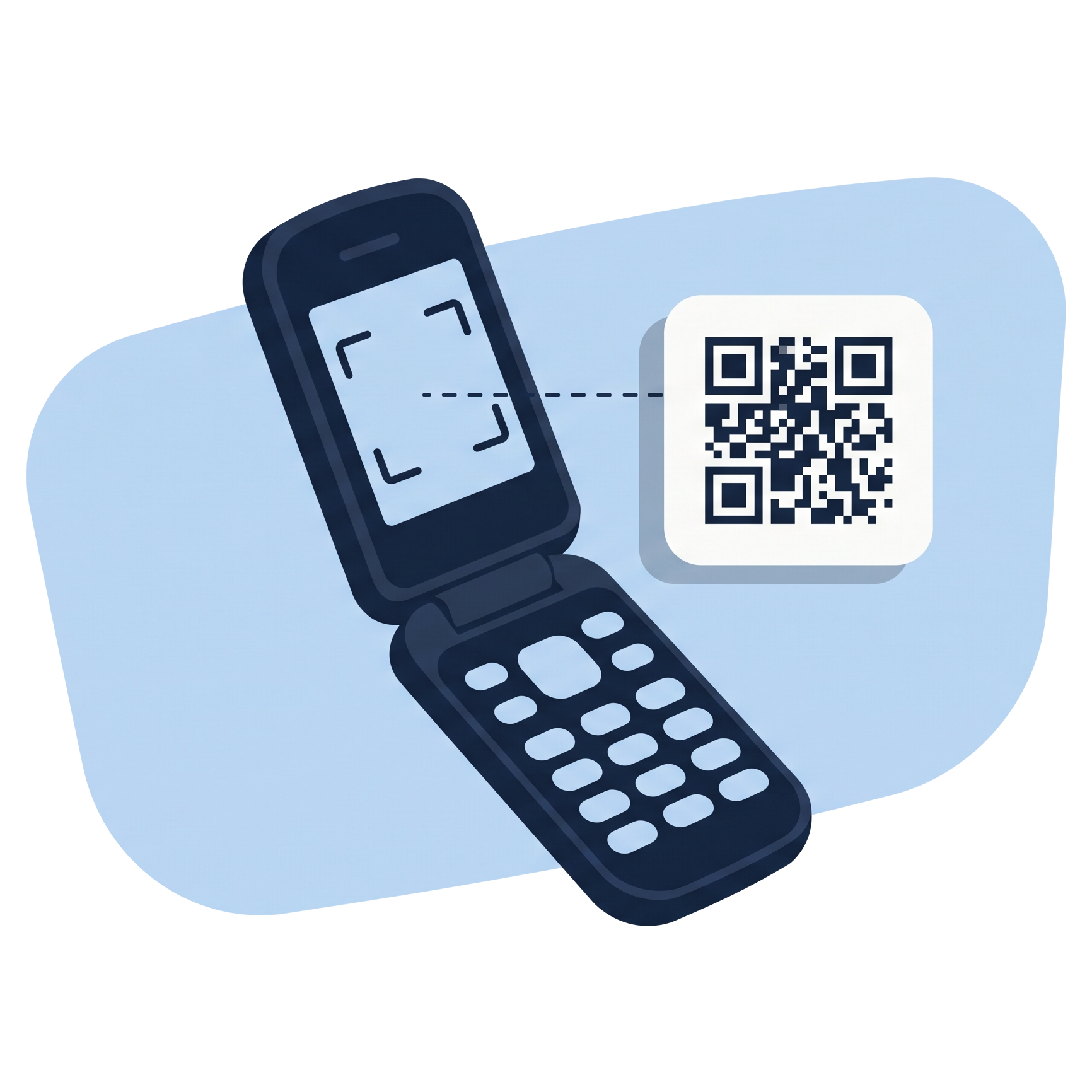
A flip phone has a camera. It just does not have the software to read a QR code with it.
Why the built-in camera does not work
The camera app on most flip phones takes photos and nothing else. It does not look for QR codes in the frame, and there is no way to add that. Even if you take a photo of the code, the phone has no way to decode the image.
The phone's built-in browser is technically capable of opening a URL, but typing one from a QR code on a keypad is impractical. The whole point of the code is to avoid typing.
The Android advantage
Most American flip phones (Kyocera, Sonim, CAT, TCL) run Android underneath, even though they look and feel like traditional phones. That means they can install apps, including ones that use the camera to decode QR codes.
The catch is that most QR reader apps are designed for touchscreens. They assume you can tap on the result, pinch to zoom, or swipe through a history. On a phone with only a D-pad, they range from awkward to unusable.
Reading QR codes with Flip Assistant
Flip Assistant uses the phone's camera to scan any QR code. Point at it and the result appears on screen. What happens next depends on what the code contains:
- A web link can be summarized rather than opened, which matters when there is no real browser.
- A phone number becomes something you can dial.
- A two-factor setup code adds the account to the built-in authenticator.
- Plain text is shown as-is and can be saved to notes.
Decoding happens on the phone. Camera frames are never uploaded.
What about KaiOS phones?
Nokia and some other flip phones run KaiOS instead of Android. KaiOS has its own app store, and there are a few QR readers available for it. They tend to be basic but functional. This page and Flip Assistant are about Android phones only.
Try it on your phone
Seven day free trial, no card required. Scan a code and see what it says.
Start the free trial